
Get started as a MyFellowPet Service Partner
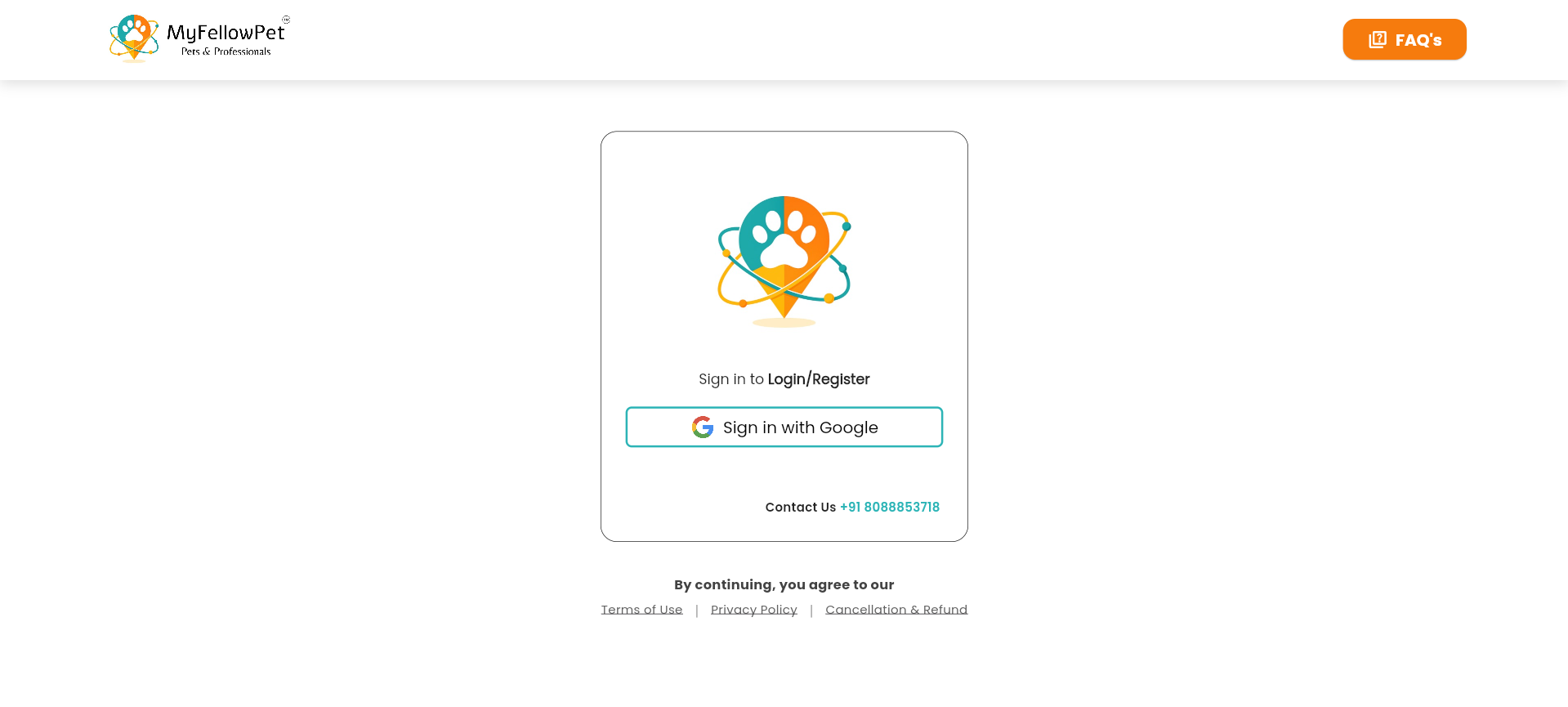
Becoming a Service Partner with MyFellowPet is simple and fully guided. Start by signing in through our official partner portal.
How to begin
- Visit partner.myfellowpet.com
- Sign in securely using your Google account
- Your partner account is created instantly
Choose or create your service profile
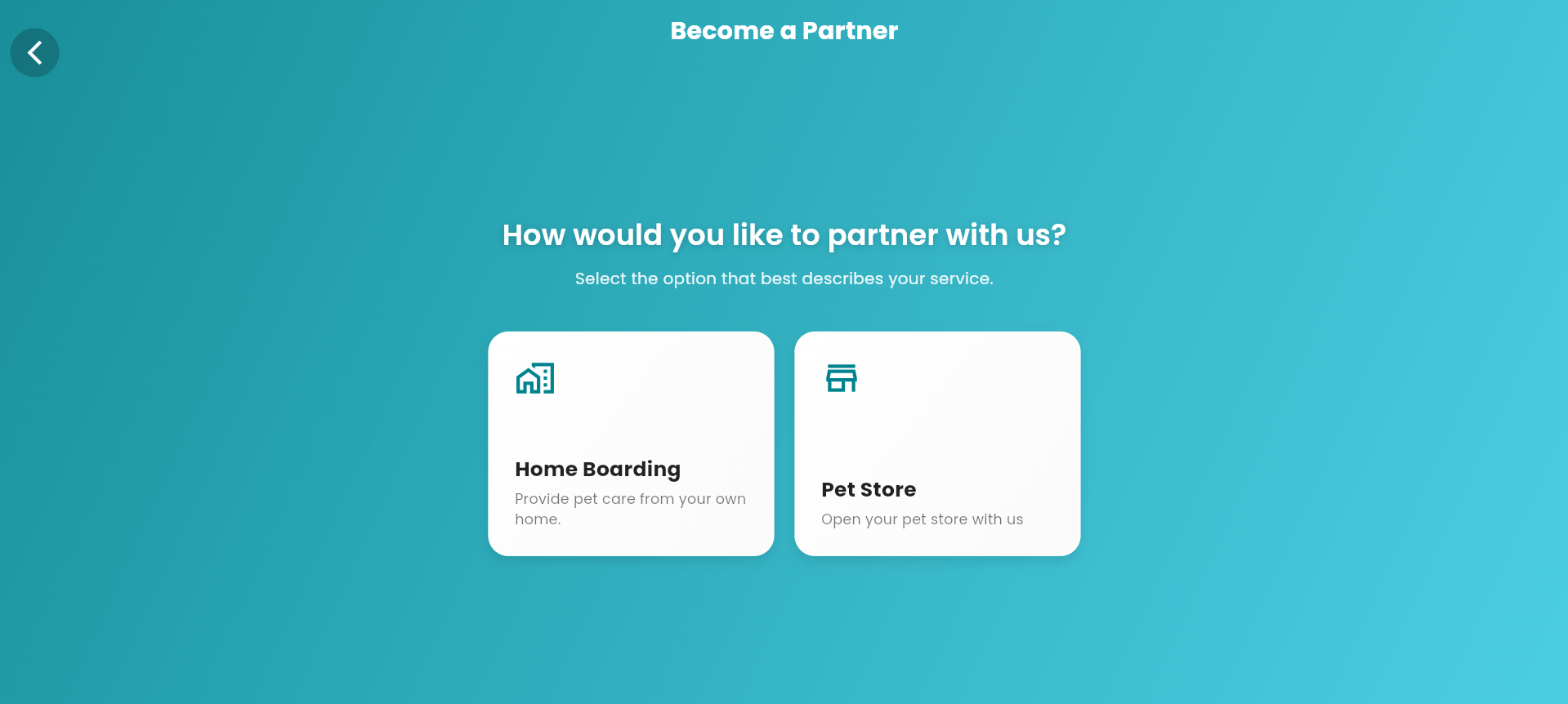
After signing in, you’ll be guided based on whether you already have an existing service profile.
What happens next
- If you already have a profile, select it from the profile list
- If you’re new, create a new service profile
- Choose the service that best fits you, such as Home Boarding
Complete your profile in four steps
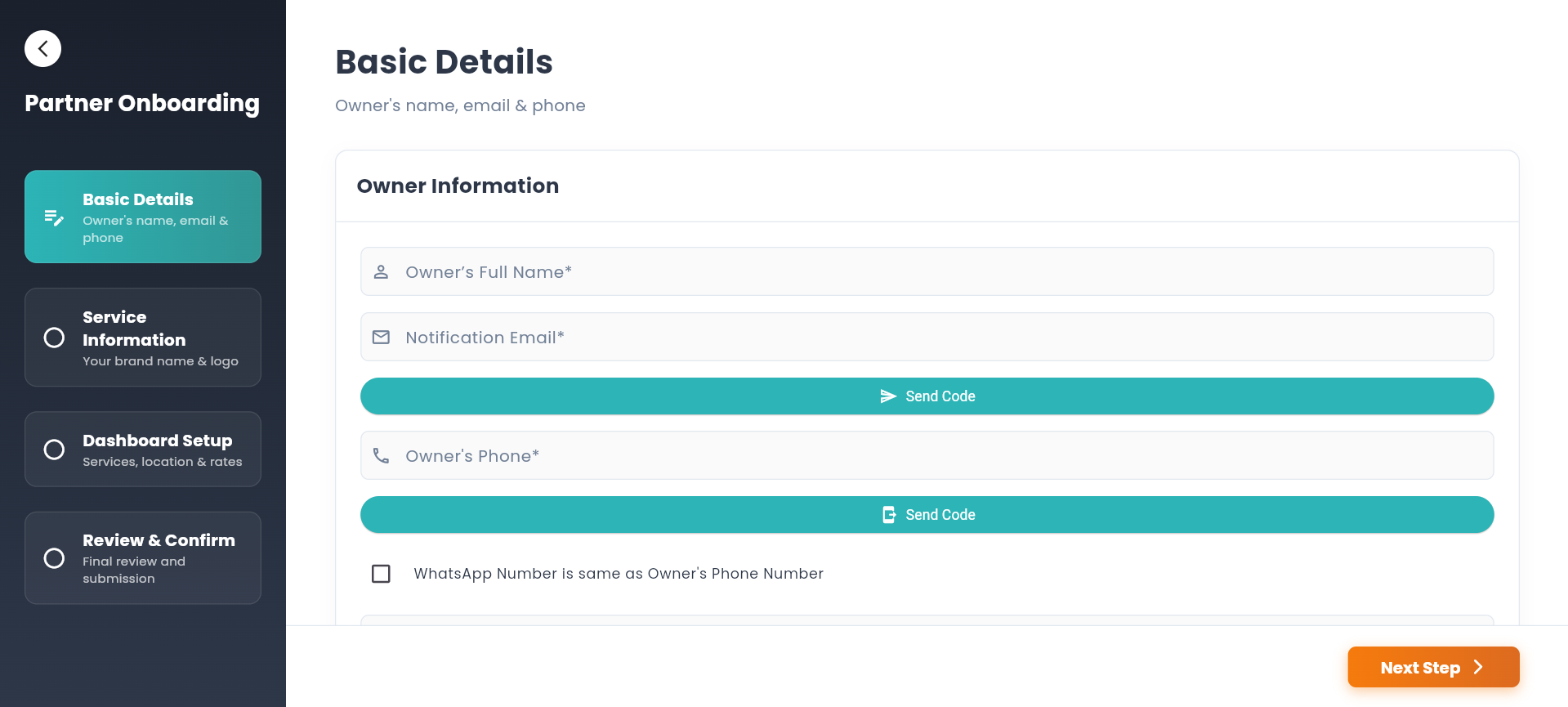
Your profile setup is broken into clear stages to ensure accuracy and easy completion.
Profile setup stages
- 1 Basic Details
- 2 Service Information
- 3 Dashboard Setup
- 4 Review & Confirmation
Review, submit, and go live
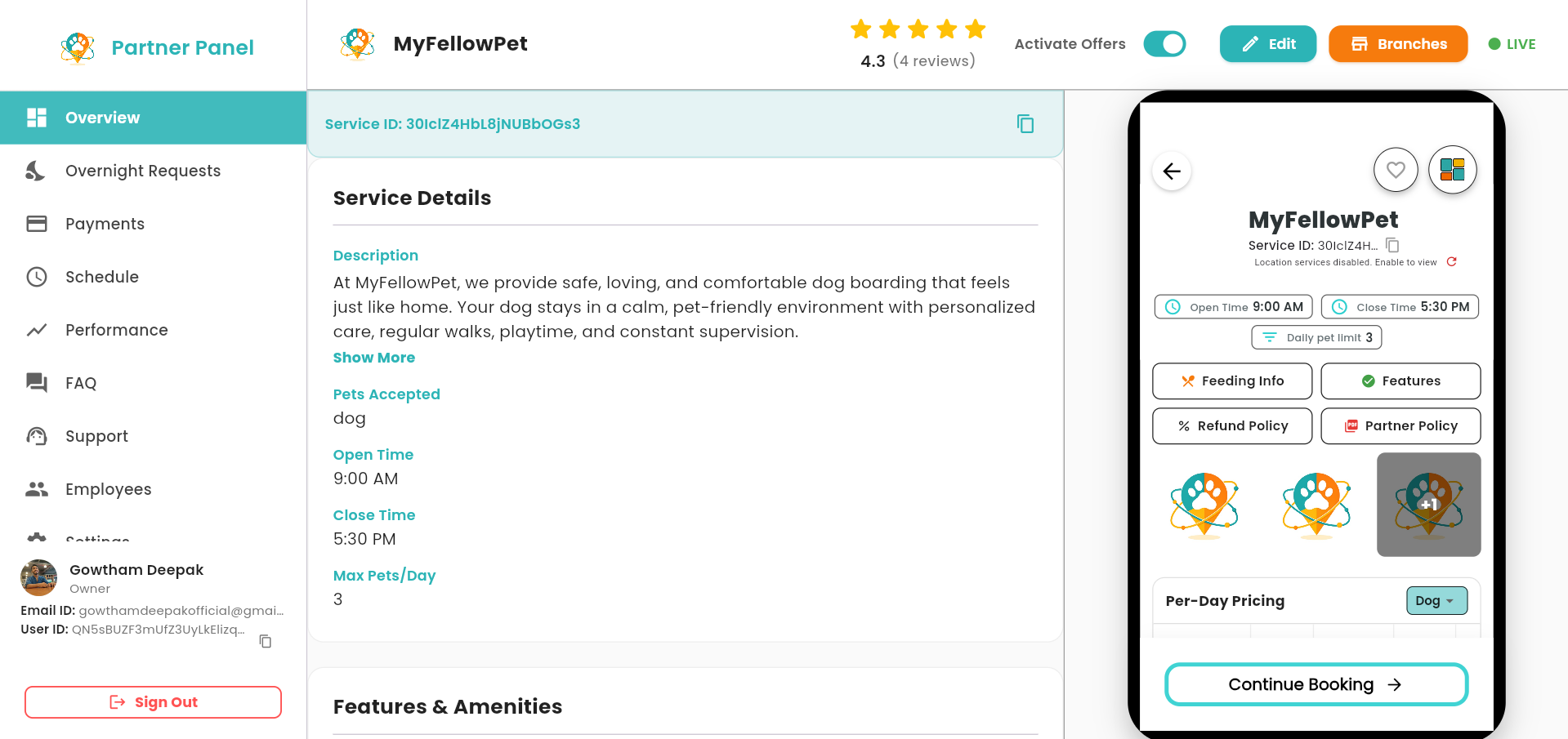
Once all details are completed, review your information and submit your profile to go live.
Final steps
- Review all entered details on the final page
- Click Complete Profile
- You’ll be redirected to your dashboard automatically
Information collected during onboarding
To run a safe, reliable, and trusted pet service platform, MyFellowPet collects some basic information while you complete your onboarding. This information helps us verify you, list your service correctly, and process payments smoothly.
1. Account & owner details
This helps us identify you as the service owner and stay in touch with you.
- Owner’s full name
- Login email address
- Email for notifications and updates
- Primary contact phone number
2. Service profile details
These details are shown to pet parents so they can understand your service clearly.
- Service name
- Service type (for example, Home Boarding)
- Service description
- Key features of your service
- Service photos and profile image
3. Service location & address
This information tells pet parents where their pets will stay and helps us show your service to nearby users.
- Full address where pets will be kept
- Street, area, district, and state
- Postal / PIN code
- Map location of your service
4. Operating details
These details help us manage bookings properly and avoid overbooking.
- Opening time
- Closing time
- Maximum number of pets allowed at a time
- Maximum number of pets handled per hour
- Number of helpers or staff (if any)
5. Pet types you accept
This helps pet parents know whether their pet is suitable for your service.
- Types of pets accepted (dogs, cats, etc.)
- Accepted pet sizes
- Accepted breeds
6. Pricing details
Pricing is collected separately for each pet type to ensure clear and accurate billing.
- Daily boarding price
- Meal charges
- Walking charges
- Discounted or offer prices (if enabled)
- Automatically calculated total prices
7. Feeding & care details
These details help pet parents feel confident about how their pets will be cared for.
- Feeding schedule
- Meal instructions
- Special care notes (if any)
8. Verification & documents
Verification is required to keep our platform safe and trustworthy for pet parents.
- Government ID (Aadhar / PAN / Passport)
- Selfie with your ID
- Utility bill for address proof
- PAN card for payment processing
Why we ask for these documents
- Government ID: Confirms you are a real person with a legal identity and prevents fraud.
- Selfie with ID: Confirms that you are the same person shown on the ID and not using someone else’s document.
- Utility bill: Confirms that you live at the address where pets will be kept.
- PAN card: Required by Indian law for payouts and future tax (TDS) compliance.
This verification process helps pet parents trust our partners completely.
9. Payout details
These details are required so we can transfer your earnings safely to your bank account.
- Bank account number
- IFSC code
- Refund policy preferences
Service Details
Add the services you offer, pricing, and availability.
KYC Verification
Verify your identity to activate payouts and go live.
Bank Details
Add your bank account to receive payments.